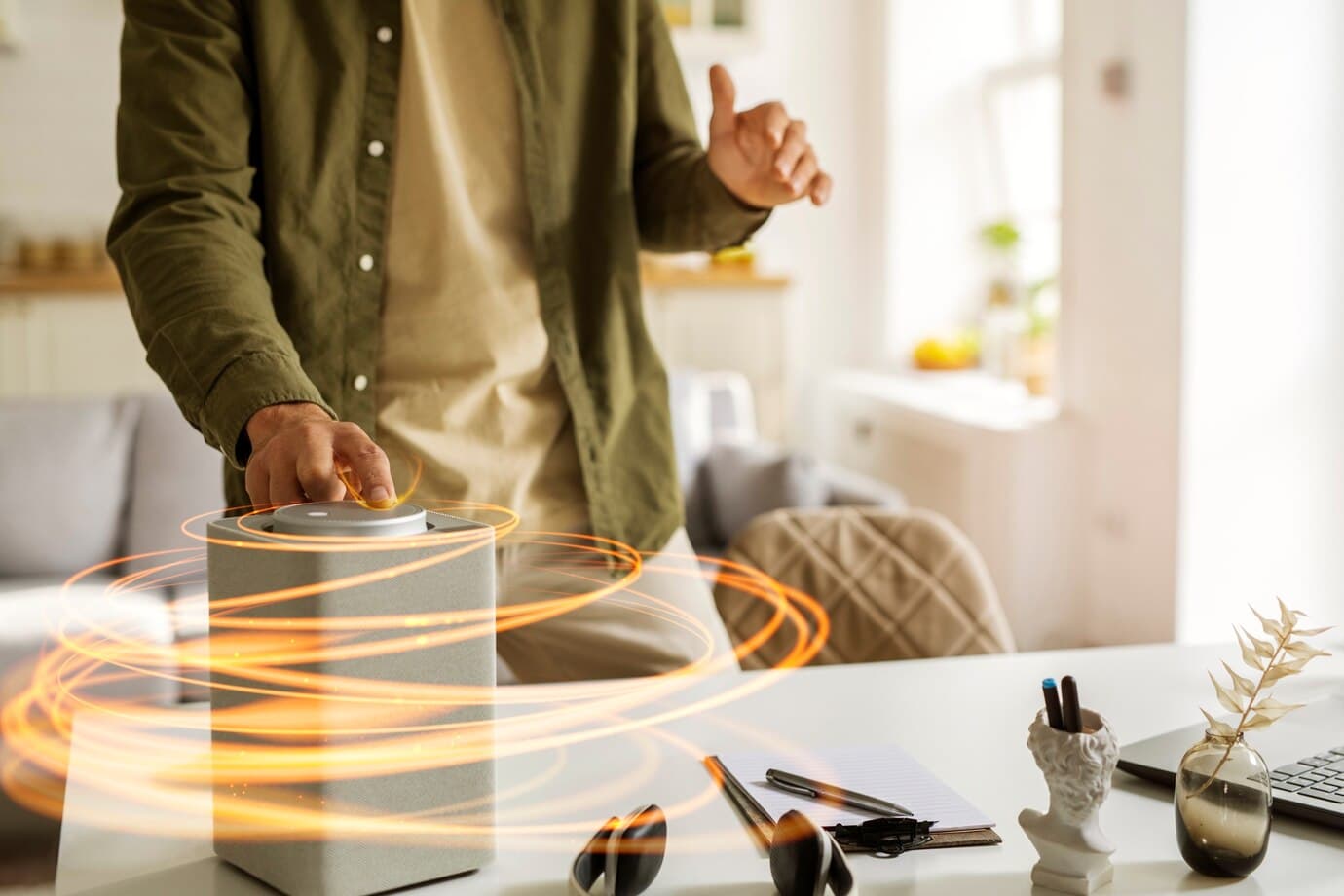
Top Smart Home Gadgets You Can Install Yourself
In the era of technology, making your home smarter is not just about adding convenience; it's about enhancing security, increasing energy efficiency, and much more. With the rise of DIY smart home gadgets, you don't need to be a tech wizard to upgrade your living space. Here are some of the top smart home gadgets that are user-friendly and easy to install.
1. Smart Thermostats
Examples: Nest Thermostat, Ecobee SmartThermostat
Smart thermostats allow you to control your home’s temperature from your smartphone, tablet, or voice-controlled smart speaker. These devices learn your schedule and adjust the heating and cooling to suit your lifestyle, potentially saving on energy costs.
Installation Tips:
- Ensure your HVAC system is compatible.
- Turn off power to the thermostat at the circuit breaker to avoid electrical hazards.
- Follow the manufacturer’s instructions for wiring and setup.
2. Smart Lighting Solutions
Examples: Philips Hue, LIFX Bulbs
Transform any room with smart lighting solutions that offer millions of colors and the flexibility to control them via your smartphone or voice commands. Set timers, dim the lights, or create routines that suit your mood.
Installation Tips:
- Choose between bulbs that require a hub and those that connect directly via WiFi.
- Screw in the bulb and connect it to your preferred control device.
3. Smart Security Cameras
Examples: Arlo Pro, Ring Stick Up Cam
Enhance your home security with smart cameras that provide live streaming, motion detection, and night vision. These cameras often come with easy installation kits and cloud storage options for recorded footage.
Installation Tips:
- Decide on placement focusing on entry points and areas with valuable items.
- Most cameras can be mounted with adhesive strips or screws.
- Connect to your home network and follow the setup on the device’s app.
4. Smart Door Locks
Examples: August Smart Lock, Schlage Encode
Smart locks offer keyless entry and the ability to lock or unlock your door remotely. Receive alerts when someone enters your home, and even grant temporary access to visitors.
Installation Tips:
- Check door compatibility and measurements.
- Remove the existing lock, ensuring not to damage the door.
- Install the smart lock as per the instructions, usually requiring just a screwdriver.
5. Smart Smoke and Carbon Monoxide Detectors
Examples: Nest Protect, First Alert Onelink Safe & Sound
These intelligent detectors not only alert you about smoke or CO2 presence but also tell you the exact location of the hazard in your home and can be silenced from your phone.
Installation Tips:
- Place detectors on every level of your home and in sleeping areas.
- Follow the manufacturer’s guidelines for mounting and setup.
6. Smart Plugs
Examples: TP-Link Kasa Smart Plug, Wemo Mini Smart Plug
Smart plugs are the simplest way to make any appliance smart. Control your devices from anywhere, set schedules, and even monitor energy usage.
Installation Tips:
- Plug the device into an existing outlet.
- Connect the plug to your WiFi network using the app.
Conclusion
Upgrading to a smart home doesn't require professional installation. With these user-friendly gadgets, you can enhance your home's functionality and security on your own. Whether it's through temperature control, lighting, security enhancements, or energy management, the power of smart technology is at your fingertips.
For further assistance or if you encounter any issues during installation, remember that Mavyn offers both AI and human expert help services. You can chat with Mavyn GPT or connect with a human expert to get answers to your questions and make your DIY project a success.