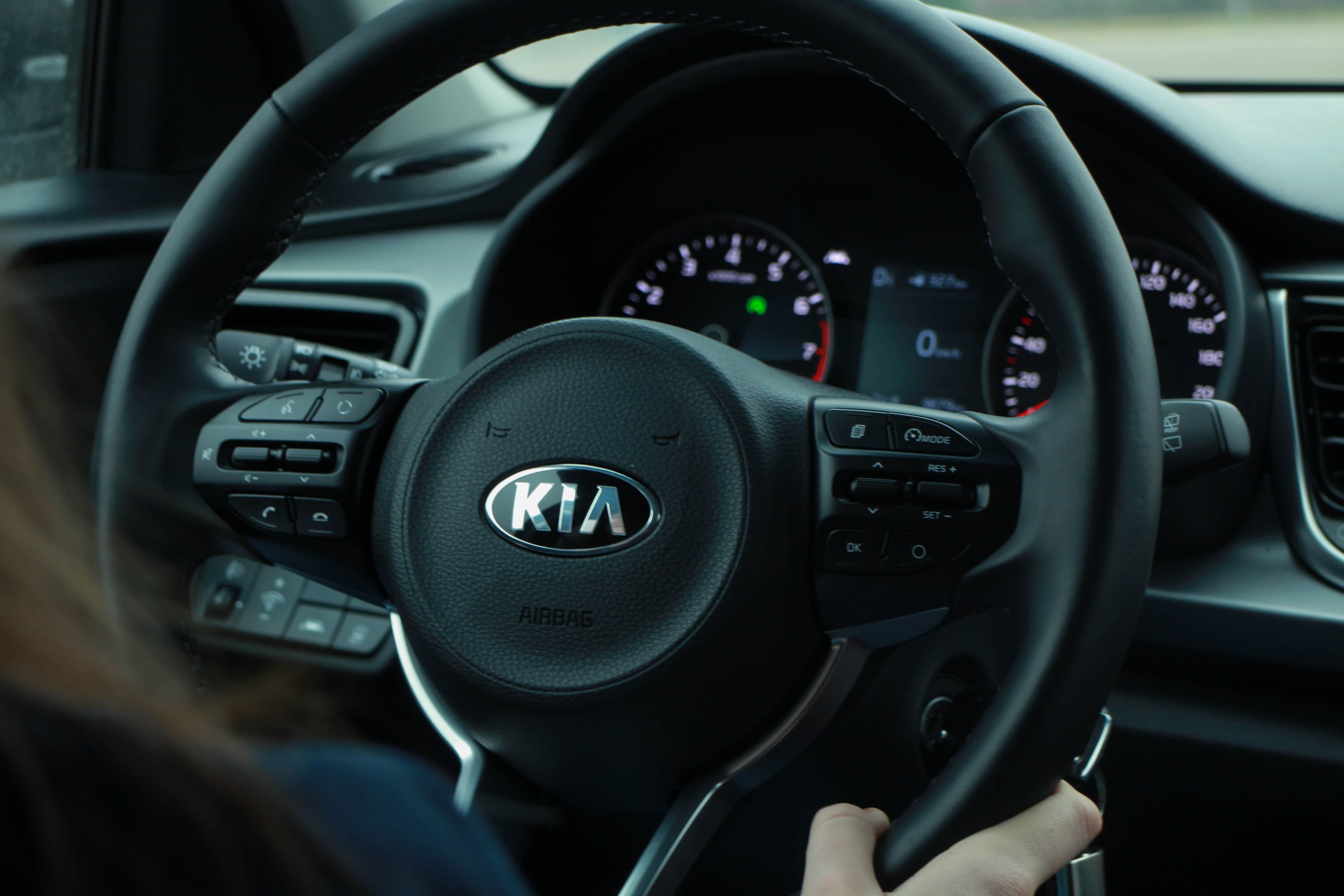
Restoring Your Kia Amanti Instrument Display for Top Performance
Is your Kia Amanti's instrument display not as bright or clear as it used to be? Over time, the instrument display can become dim, hazy, or even non-functional. This guide will walk you through the process of restoring your Kia Amanti instrument display to its optimal performance, ensuring that you can easily read all the essential information while driving.
Tools and Materials Needed
Before you begin, gather the following tools and materials:
- Phillips screwdriver
- Flathead screwdriver
- Microfiber cloth
- Plastic trim removal tool
- Dashboard cleaner
- Replacement bulbs (if needed)
Step-by-Step Guide
Step 1: Disconnect the Battery
Always disconnect the battery before working on any electrical components of your vehicle. Locate the negative battery terminal and remove the cable using a wrench. Set the cable aside to prevent accidental contact.
Step 2: Remove the Instrument Cluster Trim
Using a plastic trim removal tool, carefully pry the instrument cluster trim away from the dashboard. Start at one corner and work your way around, gently pulling the trim away as you go.
Step 3: Remove the Instrument Cluster
Locate the screws holding the instrument cluster in place. Using a Phillips screwdriver, remove these screws and gently pull the instrument cluster forward. Be careful not to damage any wiring or connectors behind the cluster.
Step 4: Disconnect the Wiring Harness
There should be a wiring harness connected to the back of the instrument cluster. Press down on the release tab and carefully pull the harness out of the cluster.
Step 5: Clean the Instrument Display
Using a microfiber cloth and a dashboard cleaner, gently clean the instrument display. Make sure to remove any dust, dirt, or fingerprints that may have built up over time.
Step 6: Replace Any Burnt-Out Bulbs
Inspect the bulbs behind the instrument display. If any are burnt out or dim, replace them with new bulbs. Make sure to use the correct type of bulb as specified in your owner's manual.
Step 7: Reconnect the Wiring Harness
Plug the wiring harness back into the instrument cluster, making sure it clicks securely in place.
Step 8: Reinstall the Instrument Cluster
Position the instrument cluster back into the dashboard and secure it with the screws you removed earlier.
Step 9: Reinstall the Instrument Cluster Trim
Carefully align the instrument cluster trim and press it back into place. Make sure all clips are secure and the trim sits flush with the dashboard.
Step 10: Reconnect the Battery
Reattach the negative battery cable to the battery terminal and tighten it with a wrench.
Test Your Instrument Display
Turn on your Kia Amanti and test the instrument display to ensure everything is working correctly. The display should be bright, clear, and easy to read. If you encounter any issues, retrace your steps to ensure all connections are secure and the bulbs are functioning properly.
By following this guide, you can restore your Kia Amanti's instrument display for optimal performance, ensuring a safe and enjoyable driving experience.