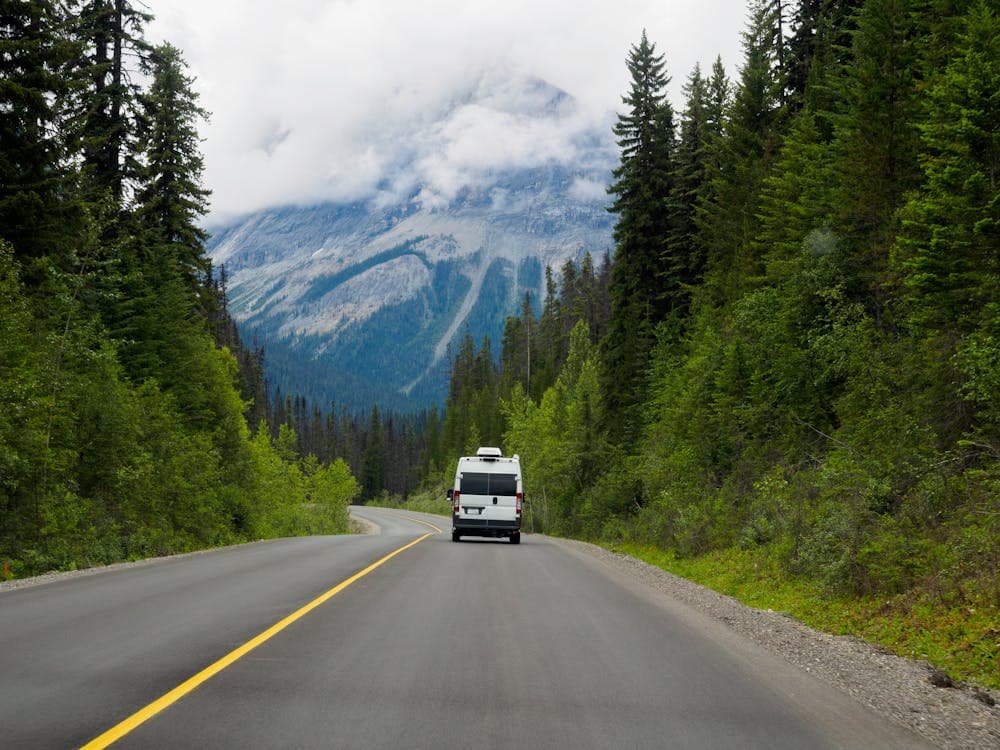
How to Plan an RV Route Using Google Maps and Apps
Planning an RV trip can be an exciting adventure, but it requires careful route planning to ensure a smooth journey. With the help of Google Maps and various travel apps, you can create an efficient and enjoyable route tailored to your needs. In this article, we’ll guide you through the steps to plan your RV route effectively.
Why Use Google Maps for RV Route Planning?
Google Maps is a powerful tool for route planning, offering several features that are particularly useful for RV travelers:
- Customizable Routes: You can drag and drop your route to avoid highways or select scenic byways.
- Real-Time Traffic Updates: Stay informed about traffic conditions and adjust your route accordingly.
- Points of Interest: Easily find campgrounds, gas stations, and attractions along your route.
Steps to Plan Your RV Route Using Google Maps
1. Set Your Starting Point and Destination
- Open Google Maps on your device.
- Enter your starting location in the search bar.
- Click on the "Directions" button and enter your destination.
2. Choose Your Route Preferences
- Click on the "Options" button (three dots) to customize your route.
- Select "Avoid Highways" or "Avoid Tolls" if necessary, especially if you prefer scenic routes.
3. Add Stops Along the Way
- To add stops, click on the "+" icon below your destination.
- Enter the names of places you want to visit, such as campgrounds or attractions.
- Rearrange the stops by dragging them to your preferred order.
4. Check RV-Friendly Routes
- Use the "Satellite" view to get a better understanding of the terrain.
- Look for RV-friendly routes by checking for low bridges, steep grades, and narrow roads.
5. Save and Share Your Route
- Once you’re satisfied with your route, you can save it by clicking on the "Share" button.
- Send the link to your travel companions or save it for offline access.
Recommended Apps for RV Route Planning
In addition to Google Maps, several apps can enhance your RV travel experience:
1. Roadtrippers
- Features: Plan your route, discover attractions, and find campgrounds.
- Benefits: Ideal for discovering hidden gems along your journey.
2. Campendium
- Features: Find campgrounds, read reviews, and check amenities.
- Benefits: User-generated content helps you find the best spots for RV camping.
3. Allstays
- Features: Locate RV parks, rest areas, and dump stations.
- Benefits: Comprehensive database specifically for RV travelers.
4. Waze
- Features: Real-time traffic updates and alternate route suggestions.
- Benefits: Great for avoiding traffic jams and road closures.
Tips for a Successful RV Trip
- Plan for Breaks: Schedule regular stops to rest and refuel.
- Check Weather Conditions: Stay updated on weather forecasts to avoid hazardous conditions.
- Stay Flexible: Be open to changing your route based on new discoveries or recommendations.
Conclusion
Planning an RV route using Google Maps and travel apps can significantly enhance your travel experience. By following the steps outlined above and utilizing the recommended apps, you can create a memorable journey filled with adventure and exploration. Happy travels!