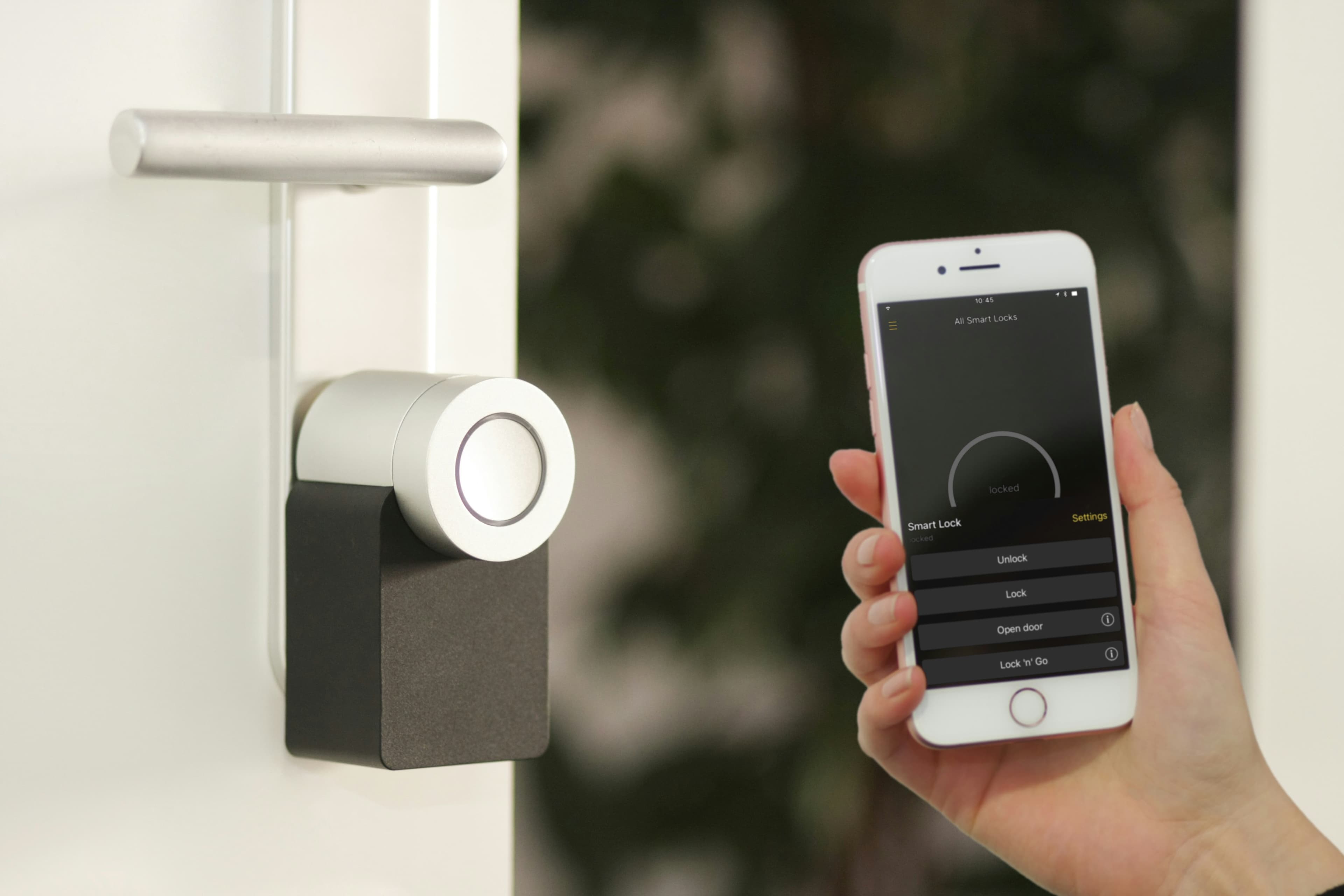
How to Troubleshoot and Fix Common Smart Lock Malfunctions
Smart locks are a key component of modern home security systems, offering both convenience and enhanced safety. However, like any technology, they can sometimes encounter issues. If you're facing problems with your smart lock, don't worry—many malfunctions can be resolved with simple troubleshooting steps. Here’s how you can fix common smart lock issues, ensuring your home remains secure.
Common Smart Lock Issues and Solutions
1. Battery Problems
Symptoms: The lock is unresponsive, or the battery indicator is flashing.
Solution:
- Replace the old batteries with new ones. Ensure that they are installed correctly according to the polarity (+/-) markings.
- Use high-quality alkaline or lithium batteries for better performance.
2. Connectivity Issues
Symptoms: The lock does not respond to remote commands from your smartphone app.
Solution:
- Ensure that your smart lock is within range of your Wi-Fi router or Bluetooth device.
- Restart your router or any other connected device to refresh the connection.
- Check for and install any firmware updates available for your smart lock.
3. Mechanical Failures
Symptoms: The lock is difficult to turn, or the latch does not fully engage.
Solution:
- Lubricate the lock mechanism with a silicone-based lubricant to ensure smooth operation.
- Check for any debris or obstructions in the lock mechanism and clean it thoroughly.
- If the issue persists, consult the manufacturer’s manual or contact a professional locksmith.
4. Keypad Issues
Symptoms: The keypad does not light up or respond to touch.
Solution:
- Clean the keypad with a soft, dry cloth to remove any dirt or residues.
- Reset the keypad by removing the battery for a few minutes, then reinsert it.
- If the problem continues, the keypad may need to be replaced.
5. Incorrect Installation
Symptoms: The lock malfunctions intermittently or does not function as expected.
Solution:
- Review the installation guide to ensure all steps were followed correctly.
- Make sure the door and frame are aligned properly so the lock can engage without resistance.
- Reinstall the lock if necessary, or consider getting professional installation help.
When to Seek Professional Help
If you’ve tried the above solutions and your smart lock still isn’t functioning correctly, it might be time to consult with an expert. At Mavyn, we offer both AI and human expert assistance to help you resolve your smart lock issues effectively. You can chat with Mavyn GPT for immediate troubleshooting guidance or connect with one of our human experts for more in-depth support.
Smart locks are fantastic tools for keeping your home safe, but they do require some upkeep and occasional troubleshooting. By following these tips, you can ensure that your smart lock continues to function reliably and securely.
Remember, if you need further assistance, Mavyn is here to help. Whether through AI support or direct expert advice, we’re committed to ensuring your home security technology works flawlessly.