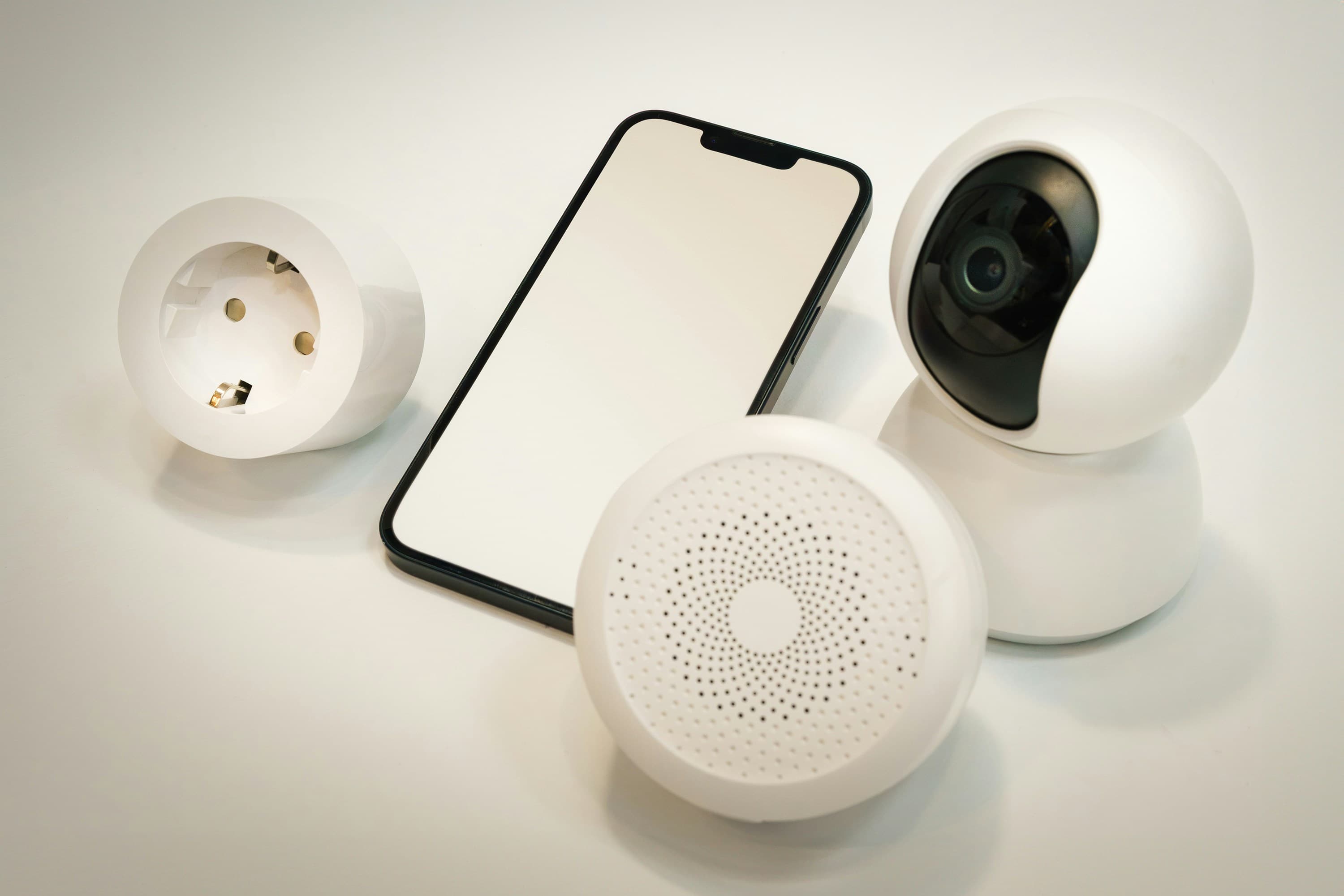
How to Troubleshoot Security Camera Glitches in Smart Homes
Security cameras are a crucial component of smart home security, providing peace of mind and real-time surveillance. However, like any technology, they can sometimes experience glitches that affect their performance. If you're facing issues with your smart home security cameras, don't worry! In this article, we'll guide you through common problems and solutions to get your security system back up and running smoothly.
Common Security Camera Issues
Before diving into the solutions, let's identify some typical problems you might encounter with your smart home security cameras:
- Camera Offline: The camera fails to connect to the network.
- Poor Video Quality: Blurry or distorted video output.
- No Night Vision: The camera doesn't switch to night mode.
- Motion Detection Failure: The camera does not alert or record when there is movement.
- Frequent Disconnections: The camera disconnects and reconnects often.
Step-by-Step Troubleshooting Guide
1. Check Your Internet Connection
A stable internet connection is vital for the proper functioning of smart home devices, including security cameras.
- Test Your Network Speed: Use a speed testing app to ensure your internet speed is sufficient.
- Restart Your Router: Sometimes, simply restarting your router can resolve connectivity issues.
2. Update Camera Firmware
Outdated firmware can lead to performance issues.
- Check for Updates: Use your camera’s app to check and install any available firmware updates.
- Automatic Updates: Enable automatic updates to keep your camera’s software current.
3. Adjust Camera Settings
Incorrect settings can impair camera performance.
- Resolution Settings: Lower the resolution if the video is choppy or if your internet speed is slow.
- Night Vision Settings: Ensure that night vision is enabled in the camera settings.
4. Reboot the Camera
A simple reboot can often fix minor glitches.
- Power Cycle: Disconnect the camera from power for about 30 seconds and then reconnect it.
- Soft Reset: Use the camera’s app to perform a soft reset.
5. Check Physical Installation
Poor installation can affect camera functionality.
- Camera Angle: Adjust the camera angle to avoid direct sunlight or backlighting.
- Obstructions: Remove any objects that might block the camera’s view or motion sensor.
6. Contact Support
If you've tried all the above steps and your camera still isn't working correctly, it might be time to seek expert help.
- Manufacturer’s Support: Contact the camera manufacturer’s technical support for assistance.
- Mavyn’s Expert Help: Chat with Mavyn GPT or connect with a human expert at Mavyn for personalized assistance.
Conclusion
Security camera glitches can be frustrating, but with the right approach, they are usually easy to resolve. By following the troubleshooting steps outlined above, you can ensure that your smart home security system operates efficiently and continues to protect your home. Remember, if you need additional help, Mavyn’s AI and human expert services are just a chat away.
For more tips on smart home technology and troubleshooting, keep visiting our blog at Mavyn. We're here to help you make the most of your smart home devices!