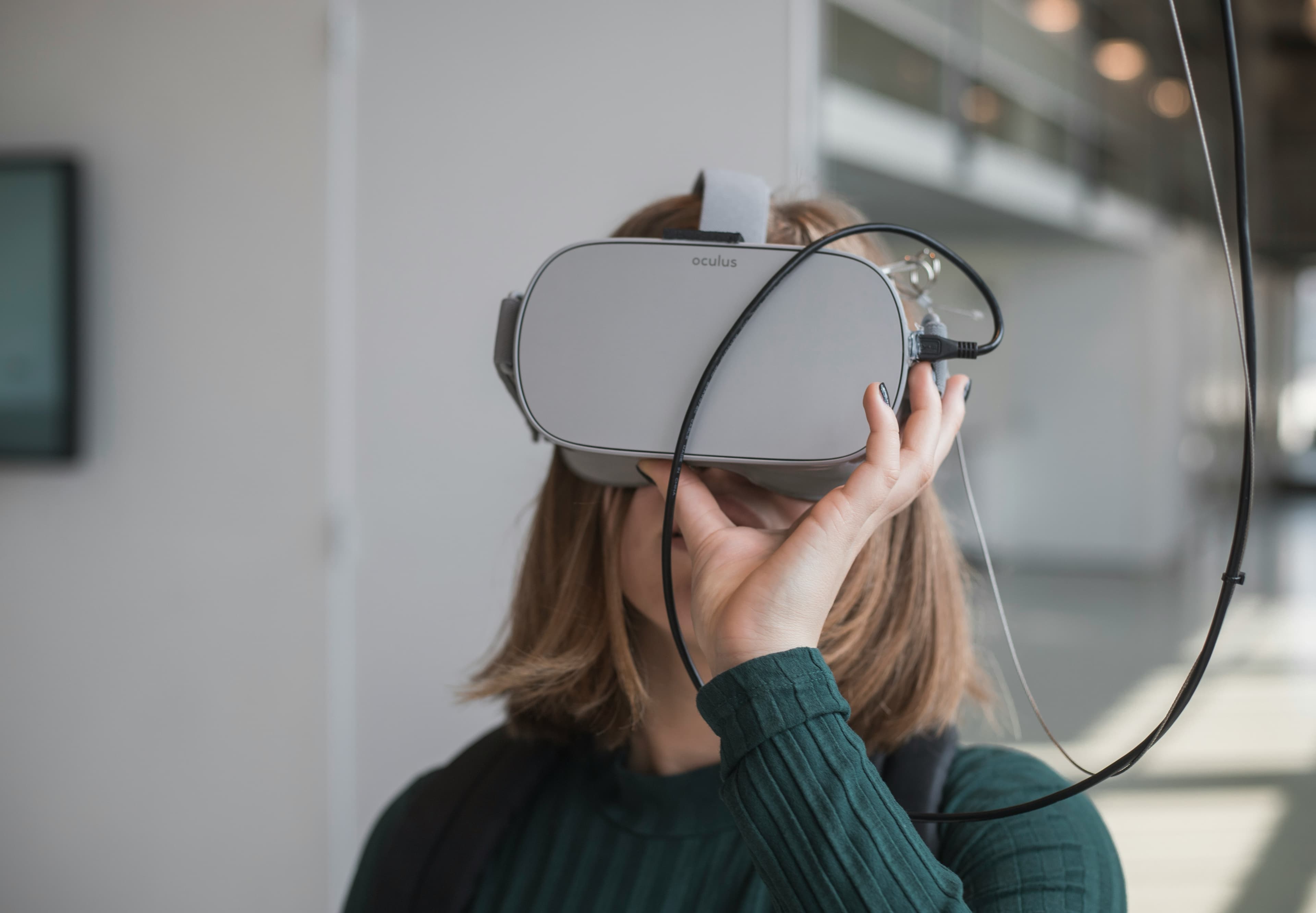
How to Troubleshoot and Fix Common VR Display Issues
Virtual Reality (VR) offers an immersive experience that is only as good as the display's performance. However, users might occasionally face issues that can detract from the enjoyment of their VR adventures. At Mavyn, we understand the importance of a seamless VR experience. Whether you're dealing with blurry images, screen door effects, or flickering, our AI and human experts are here to help. Here’s a guide to solving some of the most common VR display issues.
Common VR Display Problems and Their Solutions
1. Blurry Images
Blurry images in VR can ruin the immersive experience. This issue is often caused by improper headset adjustment or incorrect IPD (Interpupillary Distance) settings.
Solutions:
- Adjust the Headset: Make sure the headset fits snugly on your head. The display should be centered over your eyes.
- Set IPD Correctly: Adjust the IPD settings according to your measurements. Most VR headsets allow you to modify this either manually or through software.
- Clean the Lenses: Sometimes, smudges or dust on the lenses can cause blurriness. Use a microfiber cloth to gently clean the lenses.
Shop Virtual Reality Hardware and Accessories Now
2. Screen Door Effect
The screen door effect occurs when you can see fine lines between pixels, which resembles looking through a screen door.
Solutions:
- Upgrade Your Headset: Newer models often have higher resolutions and pixel densities, which help minimize this effect.
- Adjust the Screen Brightness: Sometimes, reducing the brightness can make these lines less noticeable.
- Enhance Content Quality: Playing higher-quality content that matches the headset’s resolution can reduce the visibility of the screen door effect.
3. Flickering
Flickering in VR can be caused by software issues, connection problems, or hardware malfunctions.
Solutions:
- Check Connections: Ensure all cables are securely connected and free from damage.
- Update Software: Keep your VR software and games updated. Sometimes, patches are released to fix known bugs, including flickering issues.
- Consult an Expert: If the problem persists, it might be a hardware issue. Connect with a Mavyn human expert for personalized assistance.
4. Drifting
If your VR display drifts, it means the visual field shifts without any actual head movement, which can be disorienting.
Solutions:
- Calibrate Your Headset: Most VR systems have calibration options in their settings. Follow the instructions to recalibrate.
- Reset Your Sensors: Make sure your VR room is set up correctly and that no objects are blocking the sensors.
- Update Firmware: Check for firmware updates for your headset and controllers.
When to Seek Help from Mavyn
If you’ve tried these solutions and still face issues, it might be time to consult with an expert. Mavyn offers both AI-driven guidance and human expert assistance to help troubleshoot more complex problems. Our experts are well-versed in a variety of VR platforms and can provide tailored solutions.
Remember, maintaining your VR equipment and keeping software up to date are key practices that can prevent many common display issues. For any assistance, whether it's a simple query or a complex problem, Mavyn is here to help. Enjoy your virtual reality experience to the fullest by ensuring your display is in top condition!
For more information or to get help with your VR issues, visit Mavyn’s website or chat with Mavyn GPT today.