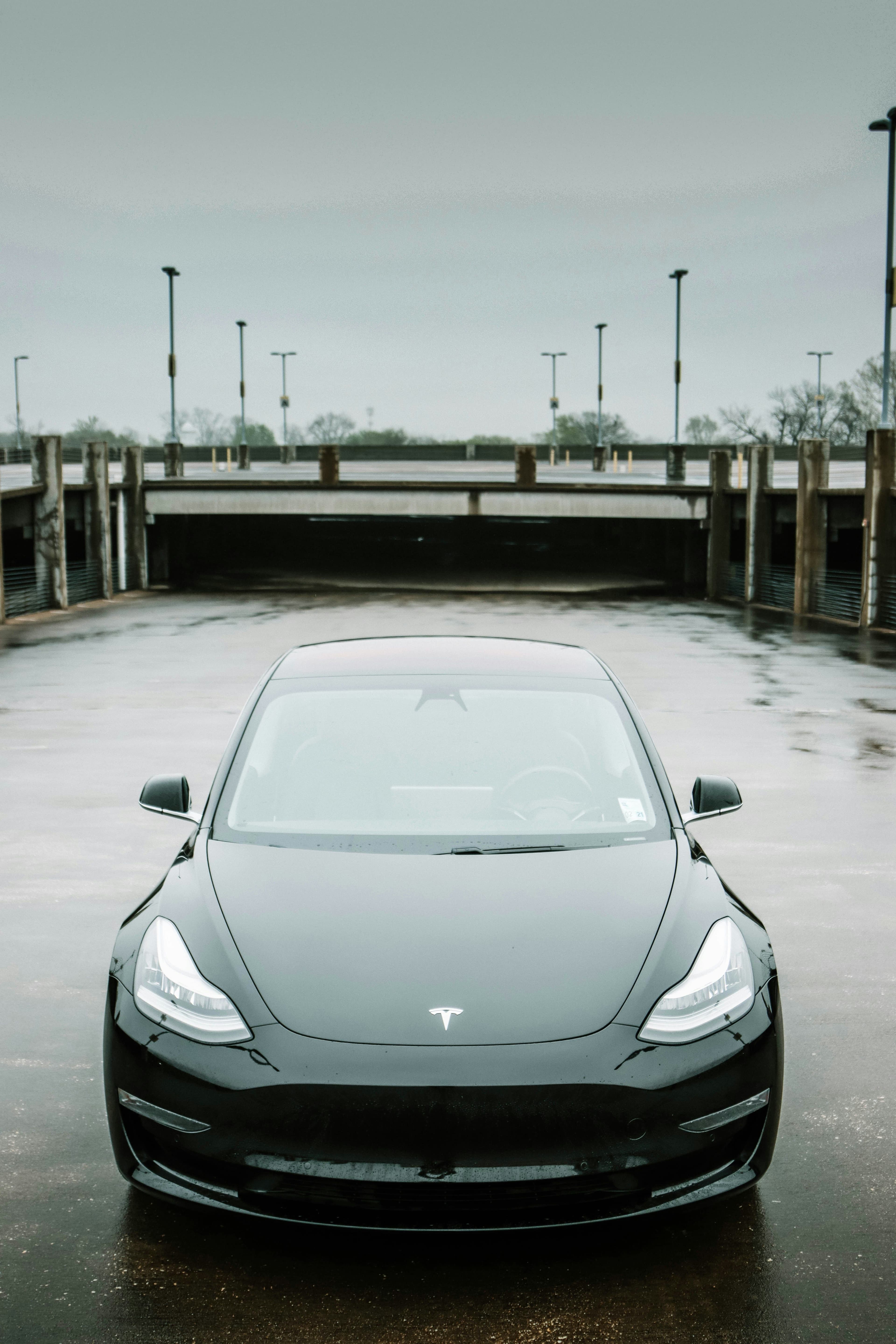
Fixing Common Tesla Issues: Expert Advice
Owning a Tesla is a unique experience, blending cutting-edge technology with sustainable driving. However, like any vehicle, Teslas can encounter issues. This guide provides expert tips and solutions for the most common problems Tesla owners face, ensuring your ride remains as smooth as the day you bought it.
1. Touchscreen Freezes or Malfunctions
Problem:
The central touchscreen is the heart of a Tesla's interior, controlling most of the car's functions. A frozen or malfunctioning screen can significantly impact your driving experience.
Solution:
- Soft Reset: Hold down both scroll buttons on the steering wheel until the screen turns off and then releases. This action usually resolves the issue without affecting your driving settings.
- Power Cycle: If the soft reset doesn't work, try powering down the vehicle from the touchscreen's safety and security settings, then wait for a few minutes before turning it back on.
2. Door Handles Not Presenting
Problem:
Tesla's retractable door handles are designed to present themselves as you approach. Sometimes, they may fail to do so, which can be inconvenient.
Solution:
- Reset the Car: A simple reset (as described above) can often fix minor electrical glitches, including door handle issues.
- Check for Obstructions: Ensure there's nothing blocking the handles from extending. Ice and debris can sometimes prevent them from moving.
- Service Appointment: If the problem persists, it's best to schedule a service appointment with Tesla, as the issue might be mechanical.
3. Autopilot Issues
Problem:
Tesla's Autopilot is a hallmark feature, but it can sometimes behave unpredictably or not engage at all.
Solution:
- Calibration: Ensure your Tesla's cameras and sensors are correctly calibrated. Misalignment can cause Autopilot issues.
- Software Update: Regularly update your Tesla's software. Many Autopilot issues are resolved through updates.
- Clean Sensors and Cameras: Dirt or debris on sensors and cameras can impair Autopilot functionality. Regular cleaning can prevent many problems.
4. Battery Drain or Inaccurate Range Display
Problem:
Unexpected battery drain or an inaccurate range display can leave you with less range than anticipated.
Solution:
- Energy Saving Mode: Use your Tesla's energy-saving settings to minimize battery drain when parked.
- Condition the Battery: Regularly driving your Tesla and using a mix of charging options (Supercharger, home charging) can help condition the battery and improve range accuracy.
- Software Updates: As with many Tesla issues, software updates often include battery management improvements.
5. Connectivity Issues
Problem:
Teslas rely on connectivity for updates, entertainment, and more. A lack of connectivity can diminish the experience.
Solution:
- Wi-Fi Connection: Ensure your Tesla is connected to a reliable Wi-Fi network for updates. If you're having trouble connecting, try resetting your home router or the car's Wi-Fi settings.
- Mobile Hotspot: If you're on the go and need a connection, consider using your smartphone as a mobile hotspot until you can connect to a stable Wi-Fi network.
Conclusion
While Teslas are at the forefront of automotive innovation, they're not immune to problems. However, many common issues can be resolved with simple fixes. For more persistent problems, don't hesitate to contact Tesla support or schedule a service appointment. Remember, regular software updates are your best friend when it comes to keeping your Tesla running smoothly.