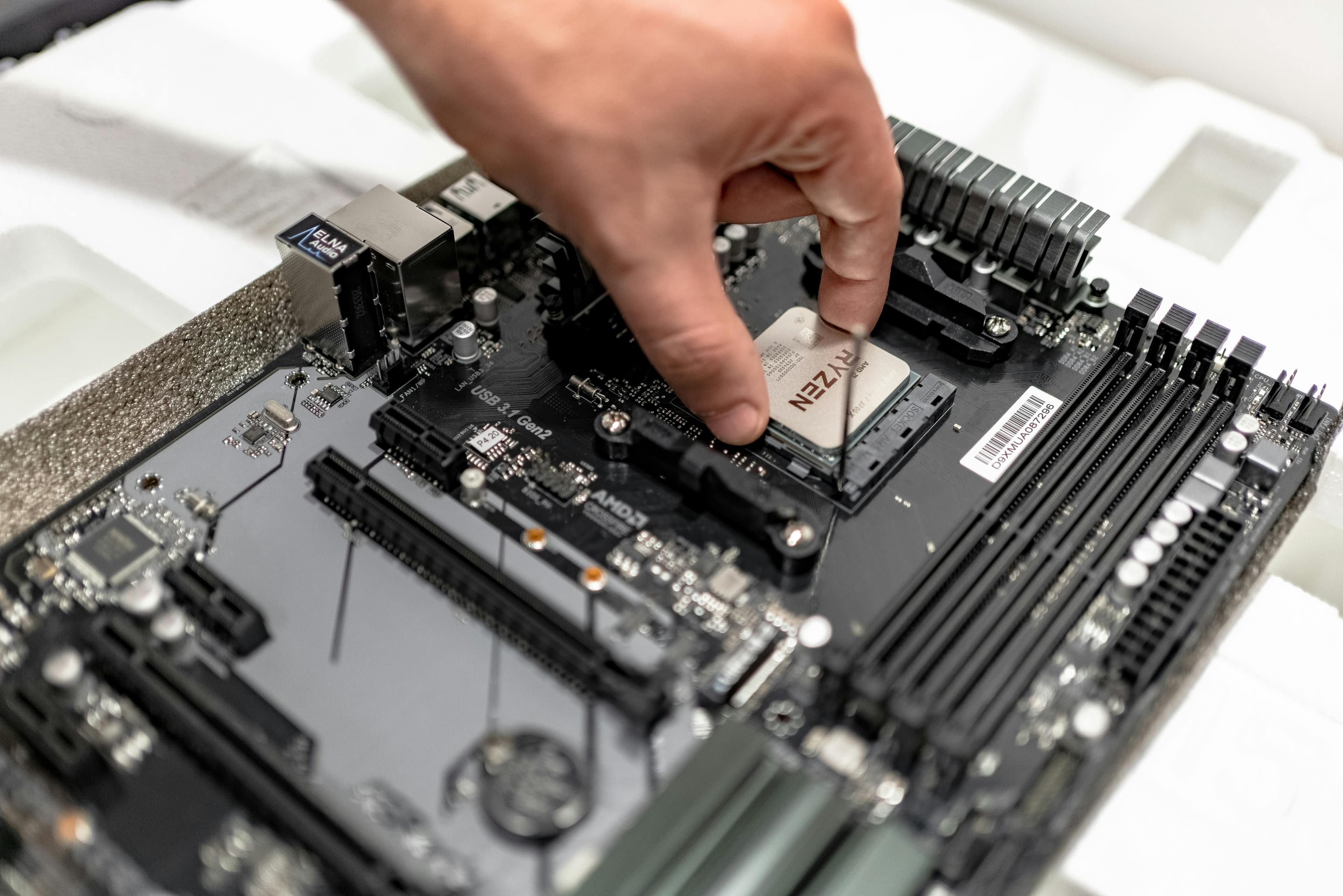
RAM Upgrades: More Multitasking Power
Upgrading your computer's RAM (Random Access Memory) is one of the most cost-effective and impactful ways to enhance its performance, particularly if you're looking to improve multitasking capabilities. Whether you're a professional juggling multiple software applications, a student switching between research tabs and documents, or a gamer wanting smoother gameplay, increasing your RAM can provide a significant boost. In this article, we'll explore the benefits of RAM upgrades, how to determine if you need more RAM, and the steps to upgrade it successfully.
Why Upgrade Your RAM?
RAM is a critical component of your computer that temporarily stores data for quick access by your system's processor. More RAM allows your computer to handle more tasks simultaneously and can dramatically improve system responsiveness. Here are some key benefits of upgrading your RAM:
- Enhanced Multitasking: Run multiple applications at the same time without slowdowns.
- Improved Speed and Responsiveness: Faster loading times and smoother operation in software and applications.
- Better Gaming Performance: Games can run more smoothly with additional RAM, especially those that are resource-intensive.
- Efficient Video and Photo Editing: Large files and editing software can benefit from extra RAM, reducing lag and rendering times.
Signs You Might Need More RAM
Before you decide to upgrade, it's important to assess whether additional RAM is necessary. Here are some signs that your system might be RAM-deficient:
- Slow Performance When Multitasking: If your computer struggles or freezes when you have multiple applications open, it's a strong indicator that you need more RAM.
- Frequent Program Crashes: Insufficient RAM can cause your applications to crash, especially if they're memory-intensive.
- Long Load Times: If programs take a long time to open or files take a long time to load, more RAM could help speed things up.
- System Notifications: Some operating systems will alert you when you're running low on memory.
How to Upgrade Your RAM
Upgrading your RAM can be a straightforward process if you follow these steps:
- Check Your Current RAM: Use your system's information utility to find out how much RAM you currently have and what type you need.
- Purchase Compatible RAM: Make sure to buy RAM that is compatible with your motherboard. If unsure, consult your computer’s manual or manufacturer’s website.
- Install the New RAM: Power down your computer, open the case, and insert the new RAM sticks into the slots. Make sure they are securely in place.
- Test the New RAM: After installation, power up your computer and use it to ensure everything is working correctly. You can also use memory testing software to check for errors.
Conclusion
Upgrading your RAM is a great way to breathe new life into an older computer or enhance the capabilities of a newer one. With more RAM, you can expect a smoother, more responsive computing experience, especially when multitasking.
For personalized advice on RAM upgrades or any other tech-related inquiries, consider using Mavyn. With Mavyn, you can chat with Mavyn GPT or connect with a human expert to get tailored answers to your questions. Whether you need help diagnosing your system's performance or finding the right RAM for your computer, Mavyn is here to assist.
Remember, improving your computer's performance is just an upgrade away!